
Name-Based Case Searches
Union County splits name searching by court. The Common Pleas Public Records Search is the county route. It covers eligible General Division and Domestic Relations material. Marysville Municipal Court runs on CaseLook for traffic, misdemeanor, small-claims, and municipal civil records. The eServices search fields render inconsistently for the public. So treat no name format, court filter, or date filter as settled for that system.
CaseLook is the one municipal name search that behaves predictably. Enter one item at a time in its Name/Company box. Use last name, then a space, then first and middle. Decide first whether the case belongs in municipal court at all. If it does not, move on. Go to the Common Pleas portal or the right division rather than repeating the municipal search.
- Identify the likely court from the case type: eServices for eligible Common Pleas matters and CaseLook for Marysville municipal cases.
- Open CaseLook, accept its agreement, and enter one Name/Company item in the stated last-name, space, first-middle format.
- Use an observed optional item only when it is known, such as Hearing Date, File Date, Ticket Number, or Birth Date.
- Select a Case Type if needed, choose the result-page size, complete the CAPTCHA response, and begin the search.
- For a Common Pleas matter, use the eServices Search tab without assuming unobserved public field names or filters.
- Compare a possible result with the case number and court, then ask the proper clerk for verification or a certified document when needed.
| CaseLook field | Type | Required | Officially observed format or option |
|---|---|---|---|
| Name/Company | Text | One item at a time | Last, space first middle |
| Hearing Date | Month/day/year selects | Optional | Year menu observed from 1982 through 2029 |
| Case Number | Text | Optional | Numbers only; no letters |
| File Date | Month/day/year selects | Optional | Year menu observed from 1978 through 2026 |
| Ticket Number | Text | Optional | No further format observed |
| Birth Date | Month/day/year selects | Optional | Year menu observed from 1880 through 2009 |
| Case Type | Checkboxes | All selected initially | Traffic, Criminal, Civil, Small Claims |
| Matches per page | Radio | Optional | 25, 50, 100, or 250; default 25 |
| CAPTCHA response | Text | Yes | Six-character maximum |
Union County eServices Case Search
Union County eServices serves as the county's Public Records Search and Electronic Case Filing portal. Its coverage notice lists Domestic, Civil, Certificate of Judgment, Court of Appeals, and felony-criminal material. The landing controls are Search, eFile, and Log On. Search is the public-record route. By contrast, eFile and Log On exist for filing access and promise no view of every case document.
The portal wears two hats. Under the filing guide, registered attorneys see cases where they are counsel of record. The eFile process logs in with an email username and password. That is filing territory, separate from ordinary public case searching. The same guide lists statuses like Draft, Submitted, Clerk Reviewing, Rejected, Resubmitted, Accepted, and eFiling Complete. Those track filings, not public docket fields. The county eFiling page is the official entrance to the Electronic Case Filing system.
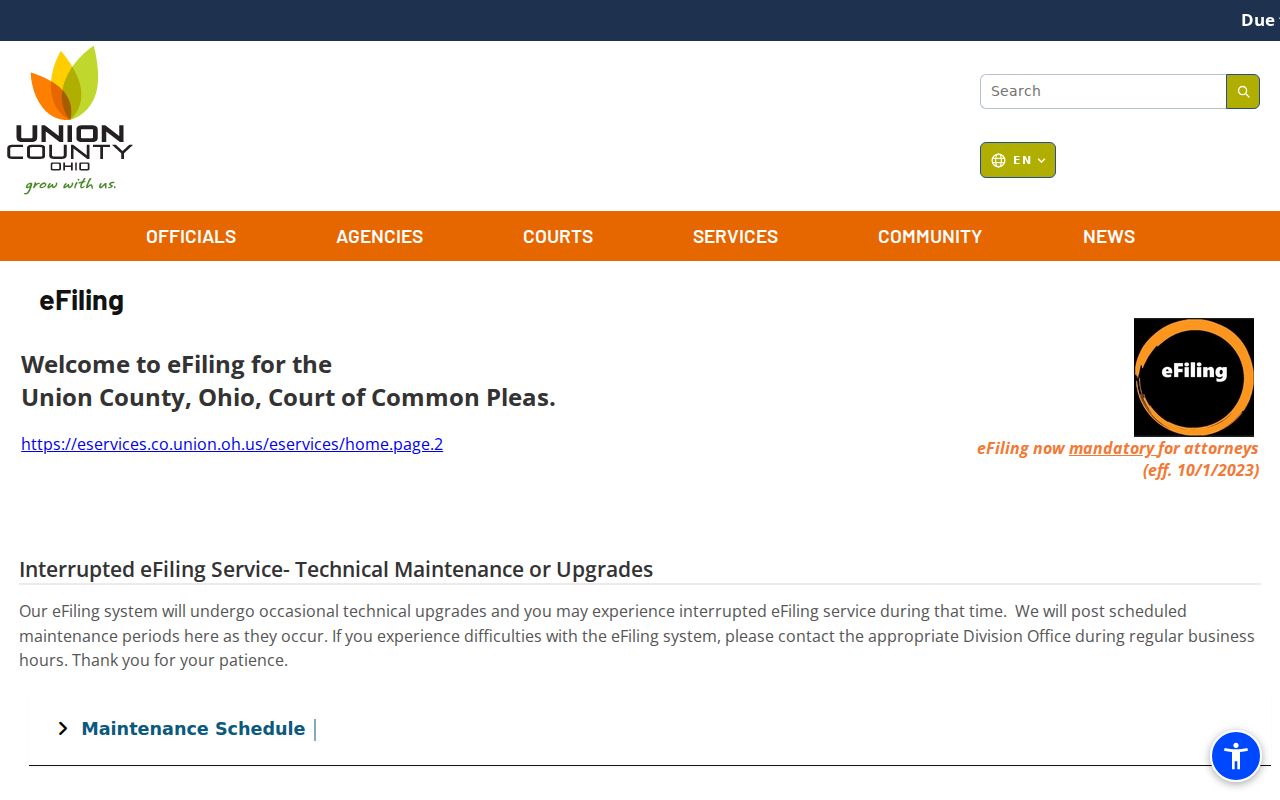
Public search and eFile share one portal, but their access levels and purposes differ.
Case Number Searches
A Union County case number beats a name once the right court is known. Common Pleas schedule formats include YY-CR-####, YY-CV-####, YY-DR-####, YY-DS-####, YY-DV-####, and YY-CJ-####. Each follows a visible pattern: a two-digit year, a case-type segment, and a sequence. Union publishes no legend covering every suffix. CJ in particular has no key. So read the code only as a schedule format and nothing more.
Marysville CaseLook adds its own wrinkle. The Case Number box takes numbers only and rejects letters. Yet one ticket, municipal instructions warn, can spawn separate letter-suffixed cases. Examples include TRD10000001A, TRD10000001B, and TRD10000001C. Stripping a suffix can point you at the wrong matter. When the case number field and the citation format clash, lean on the municipal instructions. The name route or the clerk also works.
Union County CaseLook Search Fields
CaseLook covers the municipal court, not the whole county trial bench. Enter one information item at a time, optional fields aside. Its Calendar Search is a separate function and demands a Beginning Date. That split matters when you need a hearing date rather than a full case record.
Postings can lag filings or judicial action by 24 hours or more. A fresh case, a new setting, or a recent order may need a check. Call the Marysville Municipal Court Clerk at 937-644-9102. The municipal counter settles anything the display leaves unclear.
Note: A payment lookup is no substitute for the CaseLook docket search. The two municipal tools do different jobs.
Case Search Results Explained
Read public search results with care. The Common Pleas Daily Court Schedule shows a case number, caption or style, date, time. It also lists the judicial officer and setting label. Historic docket descriptions indicate that criminal and civil books can hold actions, disposition, and costs. But those inventories prove nothing about modern remote results. Any given search may lack the same fields, tabs, image links, financial detail, or document buttons.
| Case number | A unique identifier; schedule examples use year, type, and sequence patterns. |
|---|---|
| Caption or style | The title line shown on a schedule or record; use it to confirm a match without reproducing private case details. |
| Setting information | The Daily Court Schedule shows date, time, judicial officer, and setting label for listed matters. |
| Case document | A filing, order, entry, exhibit, or other document in the file; remote availability depends on the case and access rules. |
| Historic docket detail | Historic local descriptions include action summaries, disposition, and costs, not a guarantee of a current public screen. |
Once the case turns up, check the Union County Court Schedule for the next hearing. Confirm with the responsible court as the date draws near.
Union County Case Search Record Limits
The eServices index reaches back to 1990, but imaged documents only start with 2002. Updates run on a 72-hour cycle. Sensitive documents sit in the Legal Office alone. Those cutoffs are worth remembering, because a Union County court docket search can return an index entry with no image, and a fresh filing may take a day or two to surface. Maintenance and backups can knock the service offline, too.
One more limit matters here. A filing shows up in Public Record Search for an unregistered user only when the case is remotely available, so what you see online is never proof the whole file is there. When a Common Pleas result looks thin, call the Legal Office at 937-645-3006, stop at the counter, or ask the clerk for the exact record. Bring a case number and name the document you want. That small step speeds everything up.
Two Ways to Search: County and State
Ohio runs no single statewide portal for trial-court records, so there is no bigger database to sweep after the Union County tools come up empty. A statewide search is simply not part of the process. Work through the right Union County office instead: eServices for eligible Common Pleas records, CaseLook for Marysville Municipal Court, and the separate Probate or Juvenile channels where their own access rules control.
| Ohio statewide trial search | Union County search route |
|---|---|
| No single public trial-court portal exists | eServices for eligible Common Pleas record categories |
| Cannot replace a county custodian search | CaseLook for Marysville traffic, misdemeanor, small claims, and municipal civil |
| No statewide result is available to compare | Probate and Juvenile desks handle their own records and restrictions |
Union County Probate Case Search
Probate is its own Common Pleas division with its own clerk route. Records filed on or after June 1, 2019 live in the portal. Older or closed material may take a trip to the Probate Clerk or an archival route. Reach the Probate desk through extension 3405. If eServices shows nothing, the June 1, 2019 divide may be the reason. It may not mean the case is absent.
Juvenile keeps a separate desk at extension 3411. The eUser guidance warns about a limit. Some Probate and Juvenile case types cannot be reached through online search at all. So a blank result in a Union County docket search says nothing about a juvenile matter. Ask the Juvenile Clerk which access route applies and whether a restriction stands in the way.
Which Cases Stay Restricted
Public access is set by Ohio court-record rules. It is never set by a search box alone. The current Rules of Superintendence cover the presumption of access, the grounds for restriction, and the remedies available. Sealed or expunged criminal matters will not appear. Expect protected Probate content, some domestic materials, and juvenile records to be unavailable, redacted, or behind an access process.
The clerk's policy spells out examples of protected material, including grand-jury, medical, ongoing-investigation, and judge-sealed items. Ohio law treats domestic and juvenile general dockets along with juvenile sealing separately. A records request cannot override what a judge has restricted. If you qualify to view a restricted record, use the court's own process. A portal or clerk search will not simply hand it over.
Union County Case Search Timing
Each Union County system moves at its own speed. eServices runs a 72-hour document-update cycle. CaseLook warns of a posting lag of at least 24 hours, sometimes longer. The Common Pleas Daily Court Schedule is a rolling PDF. The municipal Calendar Search starts from a date. Each route plays a different role, so a time-sensitive question may need both a public check and a direct call to confirm a court date.
The court hierarchy makes a good fallback chain. Try eServices first for a remotely eligible Common Pleas case. If a Common Pleas record is missing, go to the Legal Office counter or a clerk request. Use CaseLook or the municipal clerk for Marysville. The Probate or Juvenile desks handle their own matters. That routing keeps a delay or a restriction from being mistaken for a final result on the docket.